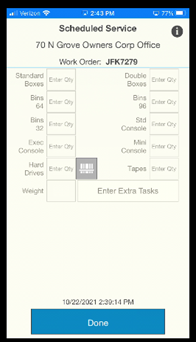
We know that sometimes you just get into a zone of “Scan Another, Scan Another, Scan Another…” and then you realize you are all done and there’s nothing else to scan… oops. There are several ways to get out of this (or similar) situations.
First, click the “Finished Scanning” button at the bottom of the screen.

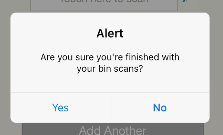
You will first see this warning screen just to make sure; click “Yes”
You will then get a screen with these 3 options:
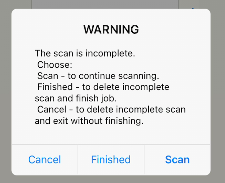
- If you click “Cancel” you will be navigated back to the starting screen for the job.
- If you click “Finished” you will be navigated to the normal closing screen so you can finish.
- If you click “Scan” it will take you back to the scanning page to continue your job.