
The general workflow in Q-shred on the desktop is intended to flow top to bottom and left to right.
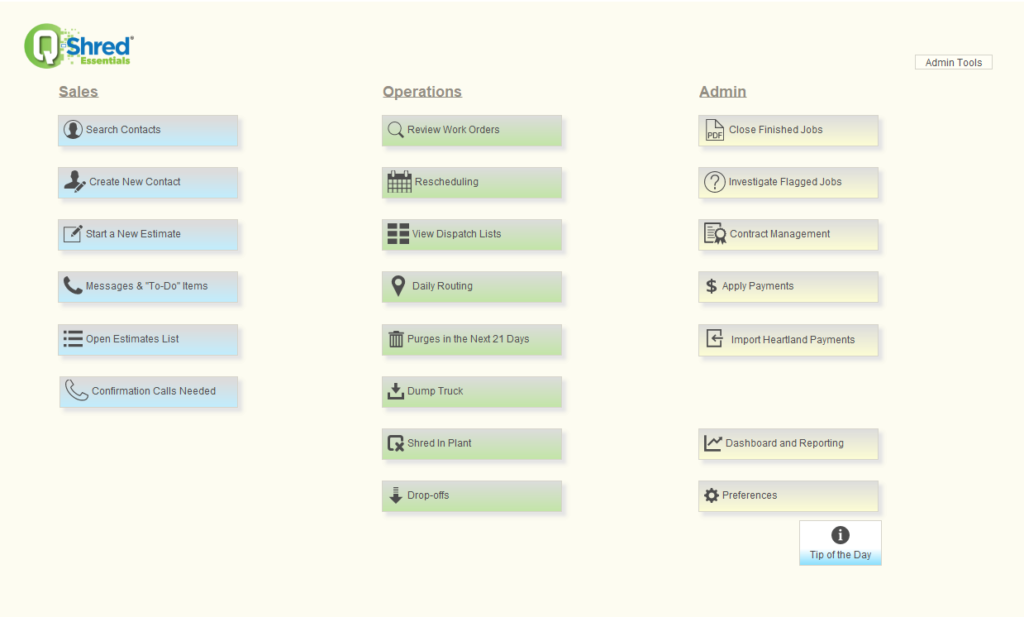
When you look at the three sections, Sales, Operations, and Admin, each is designed so that the individual operations within proceed natural from top to bottom.
SALES:
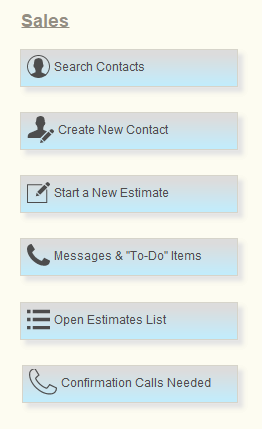
We like to think of Sales as where the job begins, so it is the first you see at top-left. The section begins with “Search Contacts” as this is how many daily tasks being in Q-Shred. Much like your business itself, Q-Shred is based on your customers, and any activity undertaken for a given customer begins by finding that customer’s page within your site. Should you not find someone in your customer list, you may need to add them, so “Create New Contact” comes next.
“Start a new Estimate” flows naturally from there as this is another common way to begin a task by estimating a potential job. From there the rest are subsequent tasks later in the Sales process.
OPERATIONS:
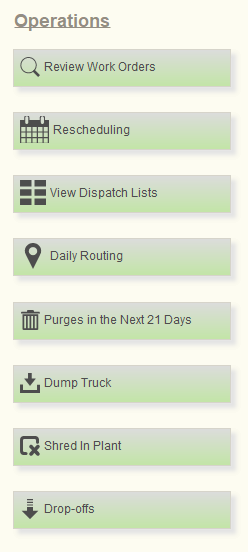
From there, you head to the right to Operations. We describe Operations as where you *do* the job, and it begins with “Review Work Orders”. Much like Sales being organized around your customers, Operations is organized around Work Orders, and accessing a given Work Order is a common starting point for working on the actual job.
From there, you will see numerous buttons revolving around scheduling, routing, and dispatch because your drivers need to get to your customers. A quick look at upcoming purges and reconciliation of loads comes after.
ADMIN:

Then we come to Admin, where you complete the job. If Sales is organized around your customers, and Operations around your work orders, then Admin is organized around your invoices. The first function is “Close Finished Job” where you validate the job, email the Certificate of Destruction to your customer, and produce your invoice. From there follows functions to handle other Admin tasks like addressing jobs flagged for follow-up, applying payment, exporting to your accounting software, and the Dashboard and Reporting function where you will find many of the metrics we mention in our name and discussions of Q-Shred.